Is Microsoft Quietly Forcing Bing on Your Browser?
An app whose only job is to undo your choice
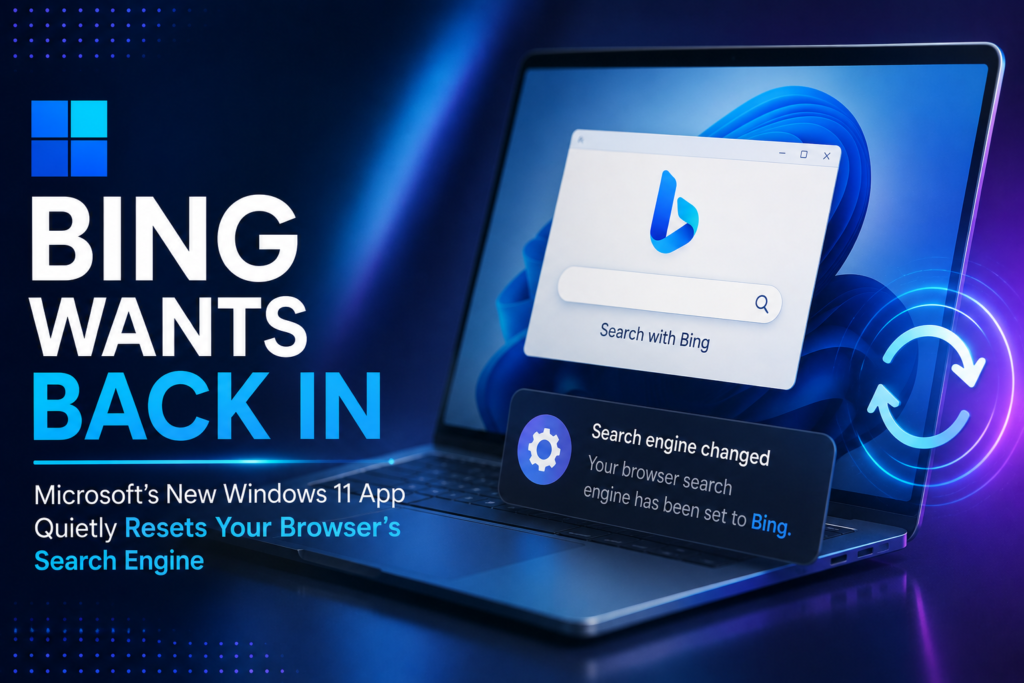
Imagine setting Google as your search engine in Chrome, switching to Brave Search on principle, and then one day discovering a small, official-looking Windows tool has flipped both back to Windows 11 Bing without you really deciding to. That is the scenario researchers describe after digging into a newly surfaced Windows 11 utility called Microsoft Recommended Search Settings. It isn’t malware. It isn’t hidden. But its entire reason for existing is to talk you out of the search engine you already picked.
What the app actually is?
The tool ships as a compact, roughly 22 MB standalone file named MicrosoftSettings.exe, and rather than arriving through Windows Update or the Microsoft Store, it sits on Microsoft’s own download servers waiting to be run directly. A tester going by Xeno Panther, whose discovery was first documented by Windows Latest, found it on a machine that had deliberately been set up with Google in Chrome and Brave Search in Brave.
Running the installer produced a welcome screen with a single toggle for switching to Bing, and that toggle wasn’t neutral. It was already flipped to yes before the user made any choice at all.
A funnel, not a settings panel
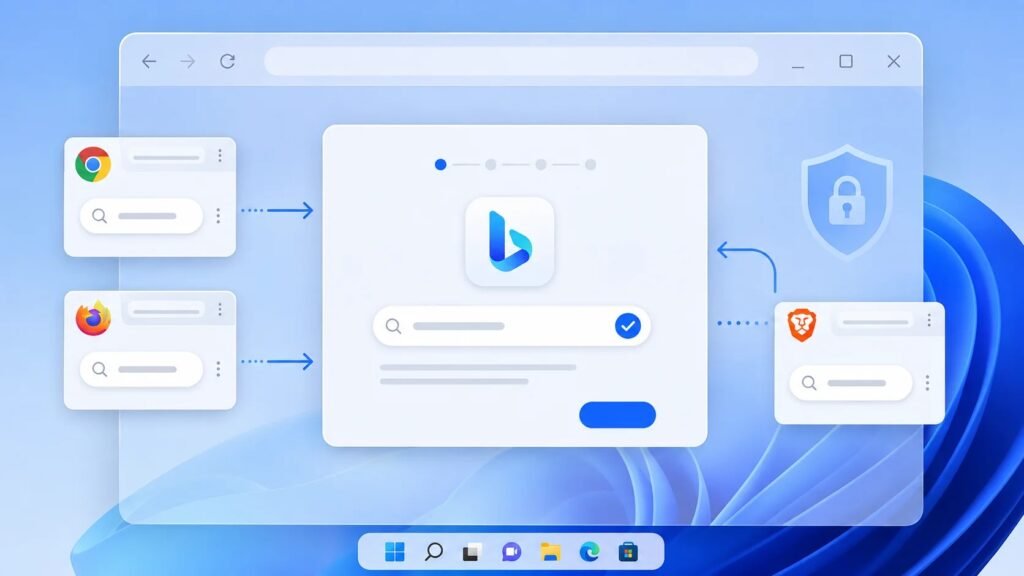
Small print beneath the toggle explained that accepting the change would affect Microsoft Edge, Mozilla Firefox and Google Chrome alike. Clicking through led to a short setup process, a cheerful “you’re all set” confirmation, and finally a Finish button that didn’t close the app so much as redirect the user straight into Edge and onto a Microsoft Rewards signup page. The sequence reads less like a system settings dialog and more like a conversion funnel: default enabled, one click to accept, a points-based reward waiting at the end for anyone who didn’t stop to read the fine print.
Why the packaging matters more than the intent?
None of this is secret or criminal. The browser extension behind it, Microsoft Bing Homepage & Search, already sits on the Chrome Web Store under Microsoft’s own name with roughly five million installs. What changed is the delivery method. Wrapping the campaign in a native WinUI shell built on WebView2, and naming the file so it resembles a routine system utility, gives it a level of legitimacy that a browser pop-up never had.
Security researchers have pointed out that the permissions this extension requests, including reading and altering data on every website and rewriting the homepage and default search provider, are the same permissions abused in genuine search-hijacking campaigns and counterfeit AI search tools that quietly reroute traffic through unknown infrastructure. A first-party publisher does not make those permissions any less powerful once granted.
The browsers pushed back
Chrome and Brave weren’t silent partners in the process. Both interrupted the installation with warning prompts, and Chrome specifically flagged that the incoming extension wanted broad access to site data, the ability to show notifications, and permission to overwrite the homepage, new tab page and search defaults with bing.com. Anyone who has learned to distrust extensions asking for that combination of permissions would have recognized the warning immediately, even if the publisher listed was Microsoft itself.
This isn’t a new habit, just a bolder one
Microsoft has spent years nudging people toward Bing through taskbar prompts, full-screen setup messages and repeated in-browser suggestions, and this standalone installer is best read as the next iteration of that long-running campaign rather than a one-off experiment. What sets it apart is persistence and reach: a single downloadable file capable of touching three separate browsers in one pass, something no earlier prompt achieved on its own.
What users and IT teams should actually do?
Microsoft has not indicated any plan to push this installer automatically through Windows Update, and both the desktop wizard and the browser extension prompt still require a deliberate click to take effect, so nothing here happens without some interaction. But the pre-checked toggle, the system-sounding filename and the rewards incentive are clearly designed for people who click through screens quickly.
Home users who are happy with their current search engine should simply decline or uninstall MicrosoftSettings.exe. IT administrators have a slightly bigger job: treating this as a browser extension policy issue by blocking unapproved search add-ons in Chrome’s admin console, applying equivalent Firefox enterprise policies, and reviewing Brave installations for the same behavior before it spreads across managed fleets.
The bigger picture
The real story isn’t that Bing exists or that Microsoft wants more of its users. It’s that a company controlling the operating system underneath three competing browsers built a dedicated tool to reach directly into them and reset a choice people had already made.
That is a browser-control decision dressed up as a settings recommendation, and the safest response for most people is the simple one: leave the toggle where it is, or don’t install the app at all.
Author: M Jyosri
A Junior Journalist passionate about reporting accurate, engaging, and reader-focused news across technology, business, education, health, entertainment, lifestyle, and current affairs. Dedicated to researching reliable sources, verifying information, and producing clear, factual content that follows ethical journalism standards.